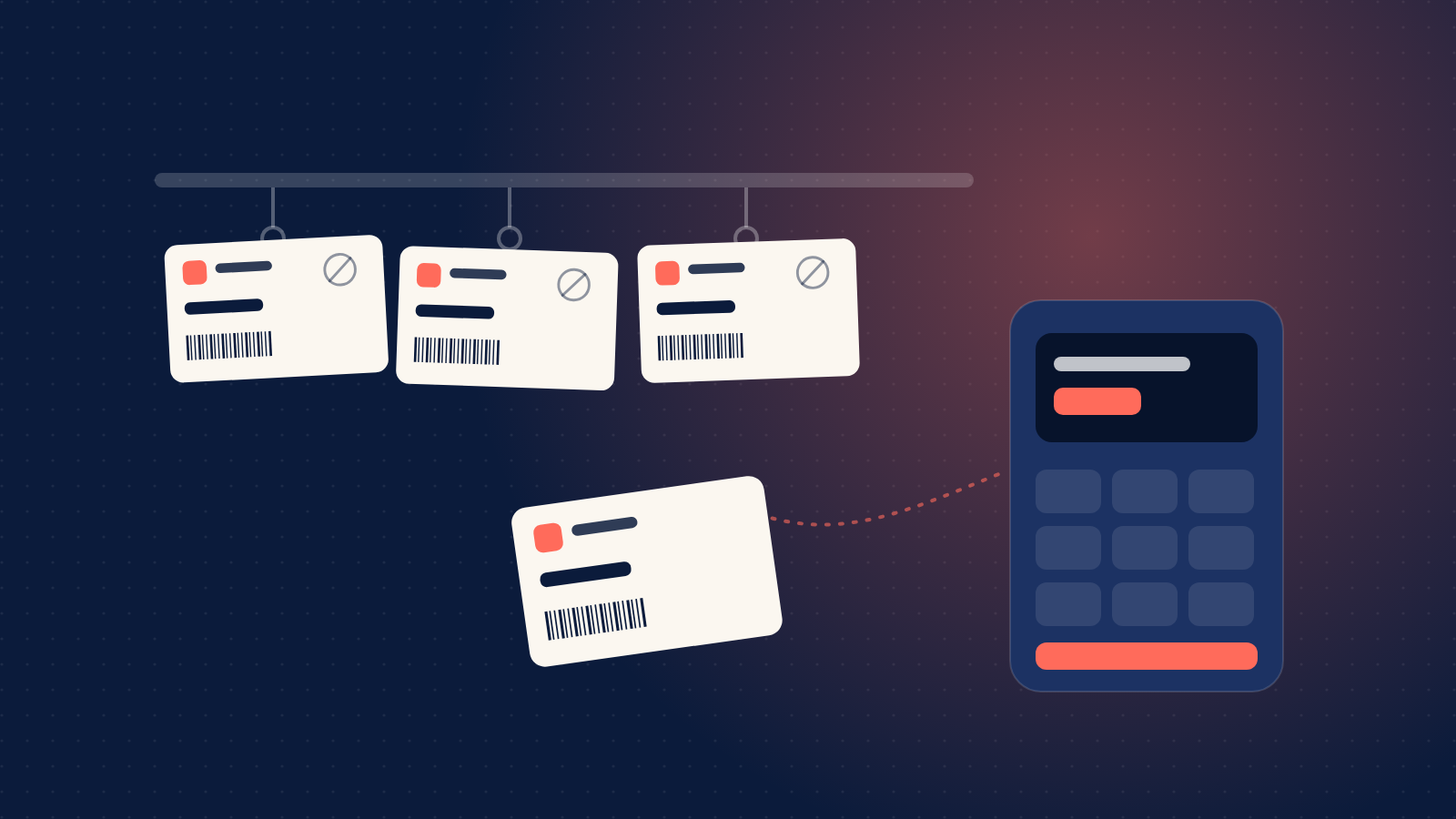
Plenty of gift cards are still bought in person, as a last-minute present picked up at the checkout. Until now, a reseller selling AfroPin gift cards at a counter needed a member of staff to sell each one at the till. From today, resellers can also put printed gift cards on display, for customers to pick up and bring to the till.
A card with nothing on it to steal
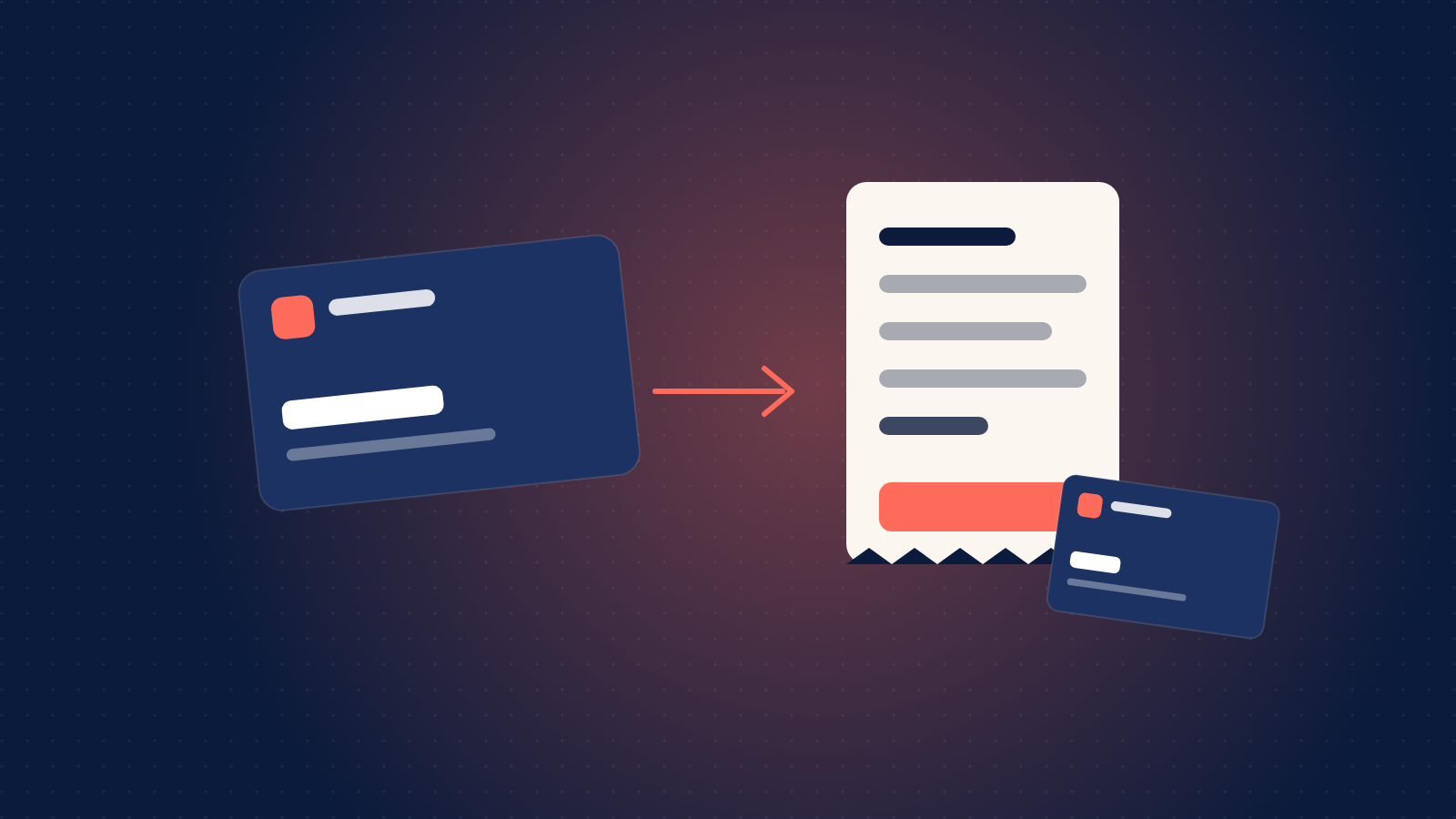
A printed AfroPin card carries the brand, a card number and a barcode. It has no PIN and no value. It only becomes a gift card when one of your tills activates it, for the amount the customer pays. That is the important part: a card taken from a shelf, a stock room or a delivery van can't be spent, so you can display cards openly without guarding them like cash.
How it works
- Order from your dashboard. On the Products page, choose Order physical cards for a product that is available in print. Enter the quantity, from 10 to 20,000 cards, and the delivery address. You see the print price, the delivery fee for your state and the total before you pay from your live wallet.
- We print and deliver. Each card gets its own number. Follow the order on the Card orders page, from processing to shipped, with the courier and tracking number, then delivered.
- Put them on display. Cards can be activated as soon as their order has shipped.
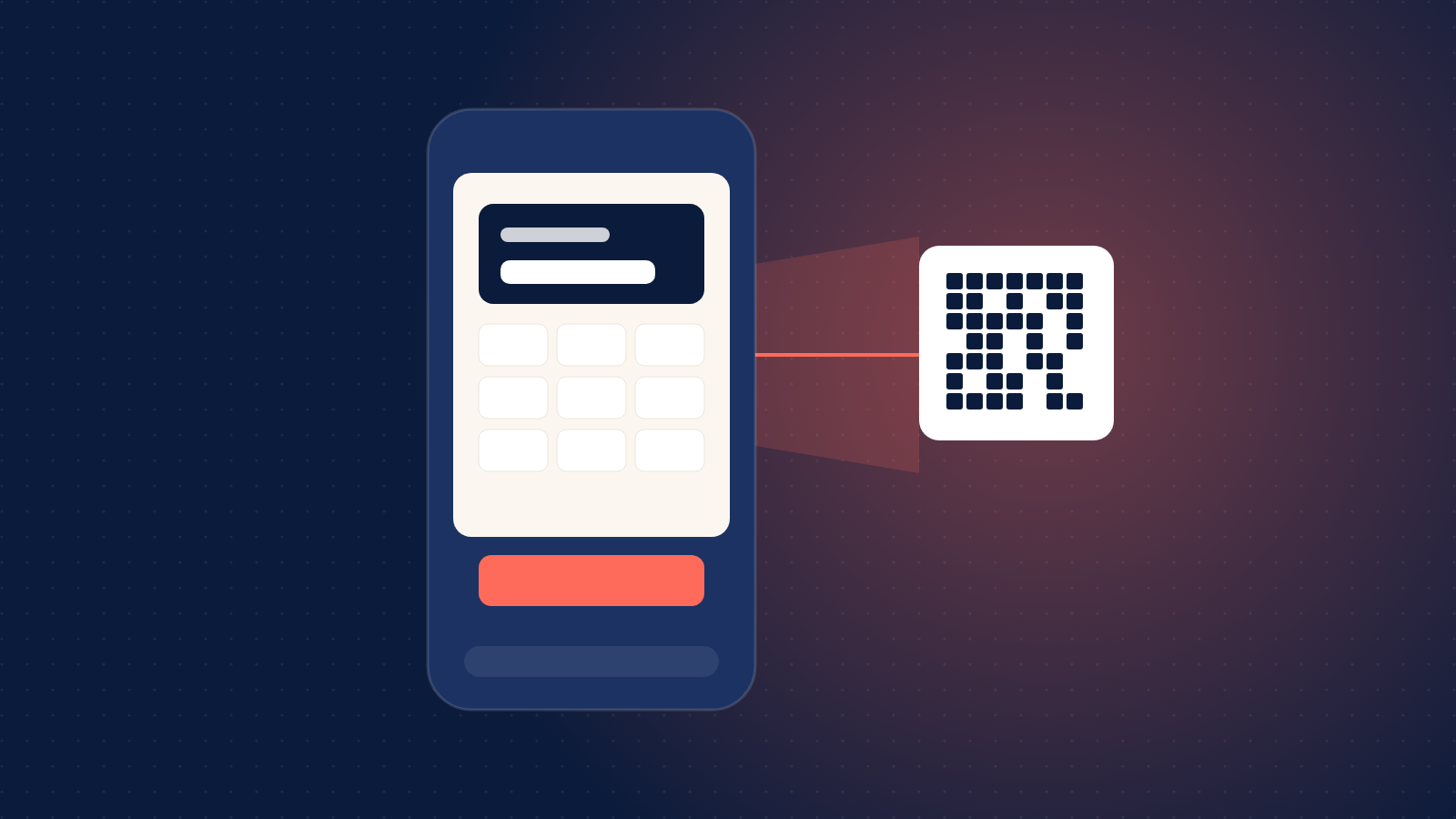
- Activate at the till. In the web till's Activate a card tab, staff scan or type the card number, enter the amount the customer is paying (within the product's range), and the customer's name and email address. The value comes from your wallet and you earn your usual commission.
- The customer gets a PIN. We email the customer a new 16-digit PIN with its QR code, and the card number stops working for good. From then on it is an ordinary AfroPin PIN: spent at the brand, topped up where the product allows it, and reissued if the customer loses it.
Activate from your own systems
If your tills run your own software, use the reseller API instead. physical-vouchers/check looks a card up before you take payment, and physical-vouchers/activate issues the PIN. Activations happen in live mode only. The pin.sold webhook tells you which card the PIN came from, in its physical_card field.
Who can use it
Physical cards are available to approved resellers, for products the brand has made available in print. If you would like to offer them in your stores, talk to your account officer. The terms are set out in clause 5 of the reseller agreement.