A single shop with one till is easy. A chain with dozens of branches, several tills in each and staff on rotating shifts needs more structure. Here is how AfroPin is organised for multi-branch businesses.
Stores
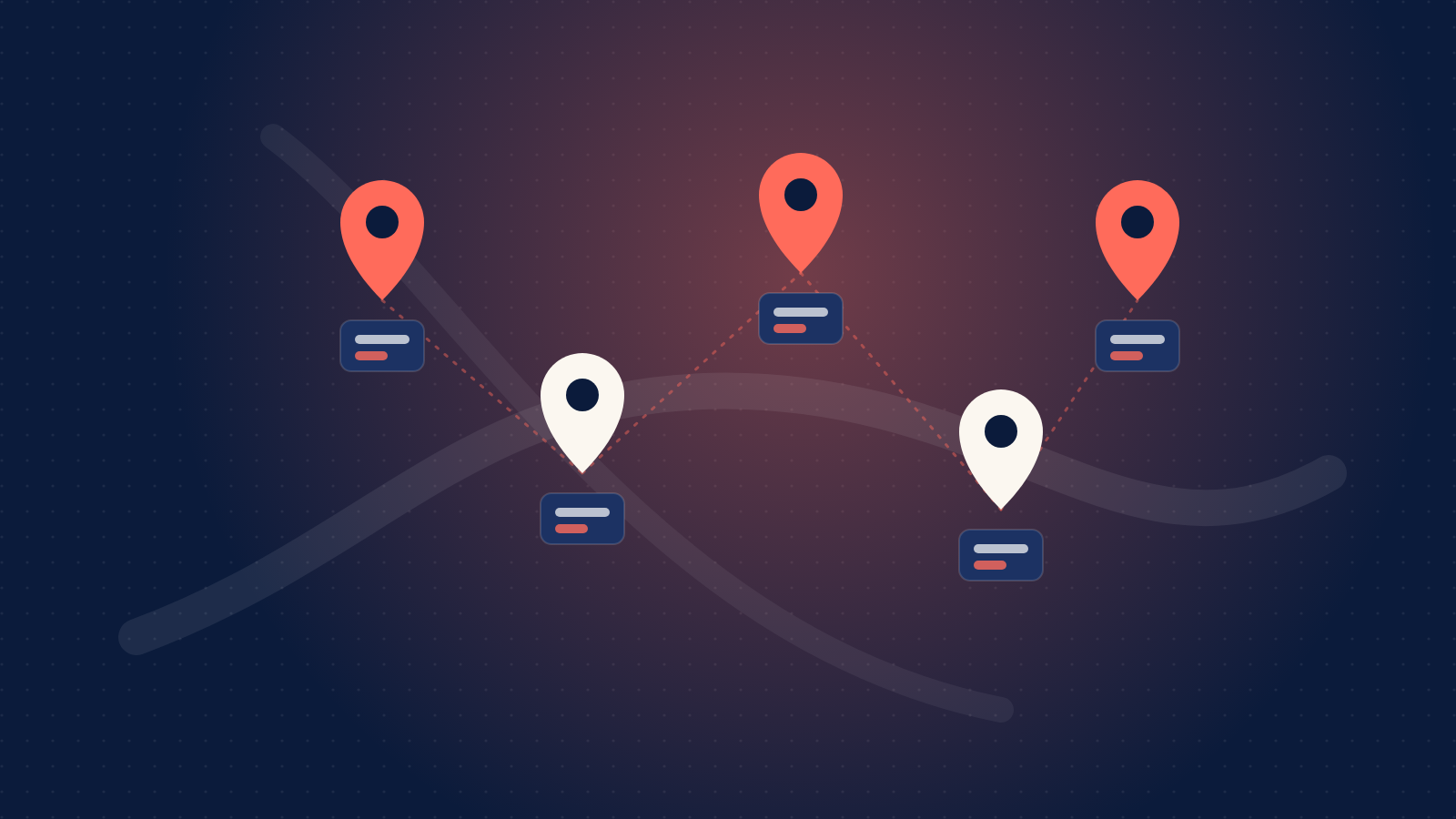
Each branch is a store in your dashboard, with its name and address. Search for the address and drag the map pin onto the entrance; if the address can't be found, enter its coordinates instead. Accurate locations matter: partners use them, through our API, to show their customers where your cards can be used.
A terminal for every till
Inside each store, create a terminal for each till or device. Every terminal gets its own login ID, in the form ABCD-EFGH, and a password. Adding a terminal or resetting its password needs your two-factor code, because a terminal can move money.
Staff sign in to the web till from any browser, or to the AfroPin Terminal app on your Android POS devices, using that terminal's details. Signing out of a till doesn't sign you out of your dashboard, even on a shared computer.
Staff changes
- When someone leaves, reset the terminal's password. Every device signed in to it is signed out straight away.
- If a device is lost or stolen, disable or delete its terminal. Past transactions stay on record.
- Give each till its own terminal, rather than sharing one login across a branch, so every transaction can be traced.
See every branch, or just one
Each store has its own redemptions (or sales, for resellers), which you can filter by terminal, and a sign-in history showing every sign-in, sign-out and failed attempt, with the time, IP address and device. Your dashboard rolls everything up across stores. Redemptions made through the API with a terminal_id appear against the right store too.
Tips for a smooth rollout
- Name terminals the way staff talk about them: Till 2, Front desk, Drive-through.
- Roll out branch by branch, starting where staff are most comfortable with new systems.
- Run a test redemption on every till in test mode before going live.
Our Help Center has step-by-step guides for each of these, under Stores and terminals.